
Getting started with ERPUltra
From a new workspace to your first GST invoice in four minutes: company and GSTIN, business type, a customer, opening stock, a grouped invoice and the payment.
- Welcome
- Set up your company
- Choose your business type
- Company details
- GST registration
- Your company is ready
- Your items
- Add a customer
- Create the invoice
- Group your items
- GST worked out for you
- Save the draft
- Opening stock
- Check and issue
- Your first invoice
- Send it
- Record the payment
- Your overview
- Next steps
Prefer reading? Read the step-by-step guide →
More videos
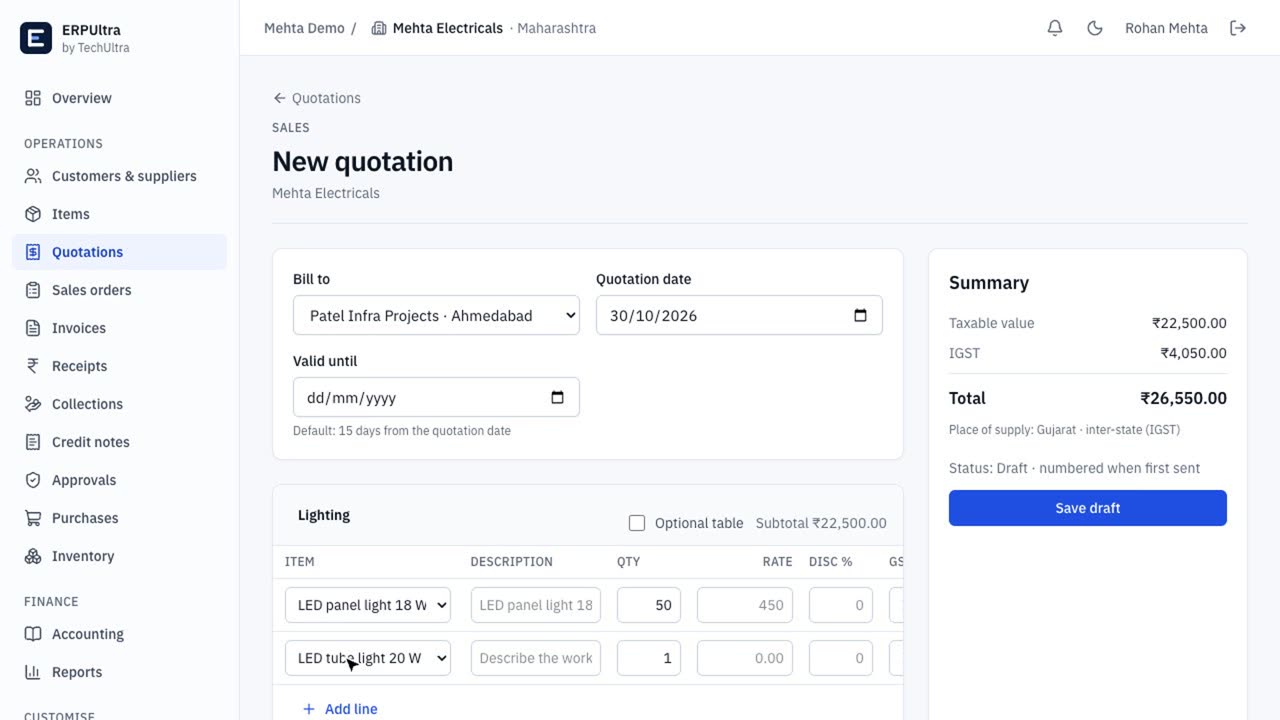 1:55
Quotation to invoice
Make a grouped quotation, send it for acceptance, convert it to a sales order and then a GST tax invoice.
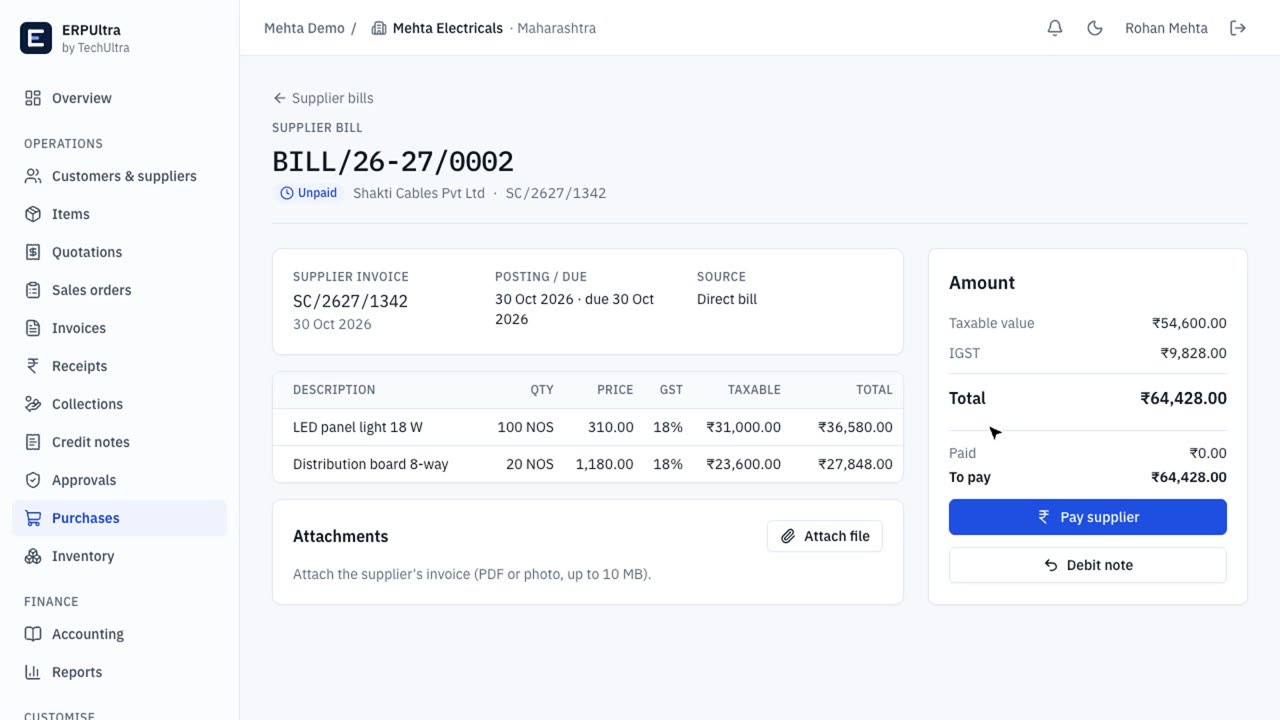 1:43
Purchases and stock
Enter and post a supplier bill with input tax credit, pay the supplier, and follow the stock and its history.
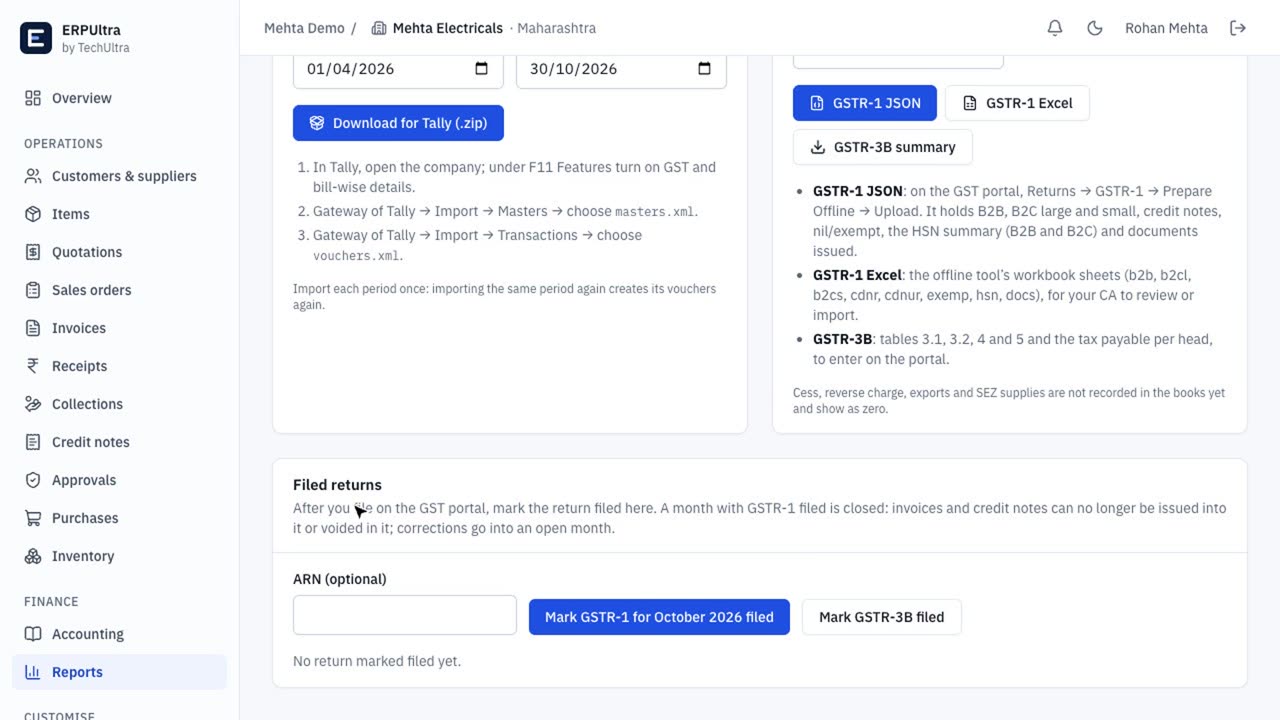 1:19
GSTR-1, GSTR-3B and Tally export
Download GSTR-1 JSON and Excel, read the GSTR-3B summary, and export vouchers for Tally.
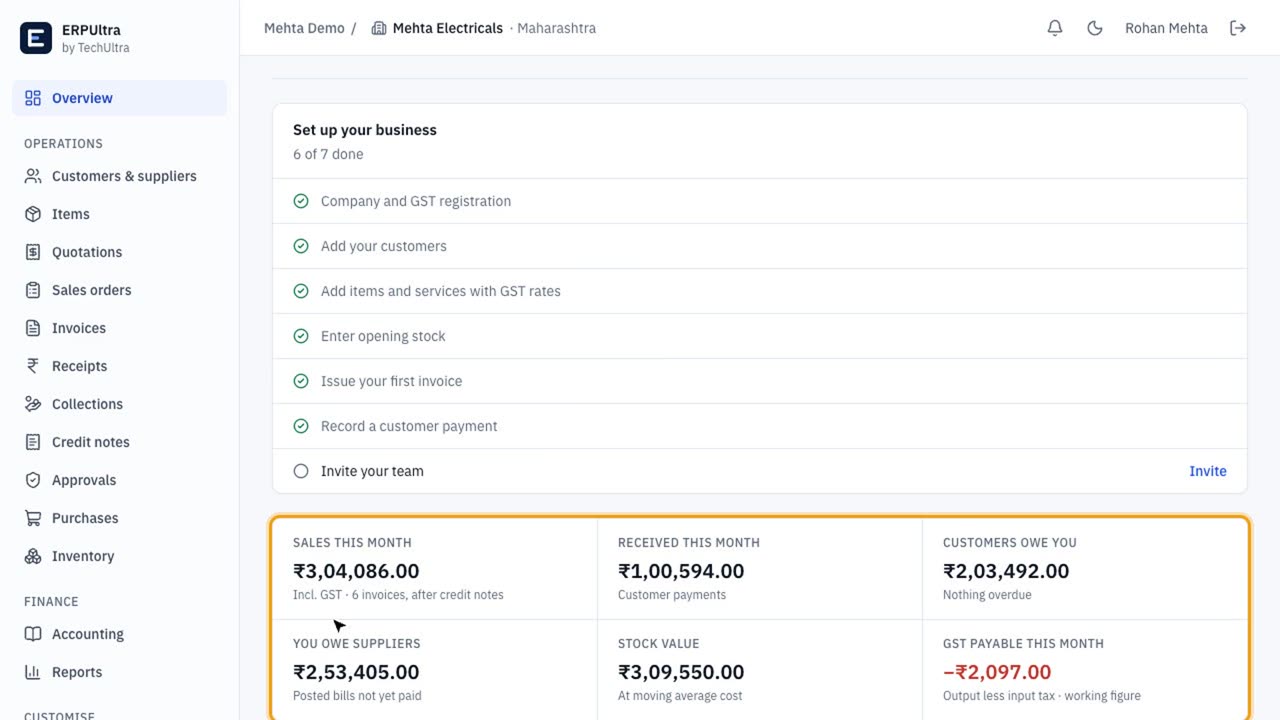 0:57
A tour of the reports
The overview, profit and loss with drill-down, receivables ageing, Excel, PDF and CSV export, and saved views.