
Getting started
Create your workspace, set up your company and GSTIN, bring in your customers and items, and invite your team.
All 9 guides →Step-by-step guides for every part of ERPUltra.
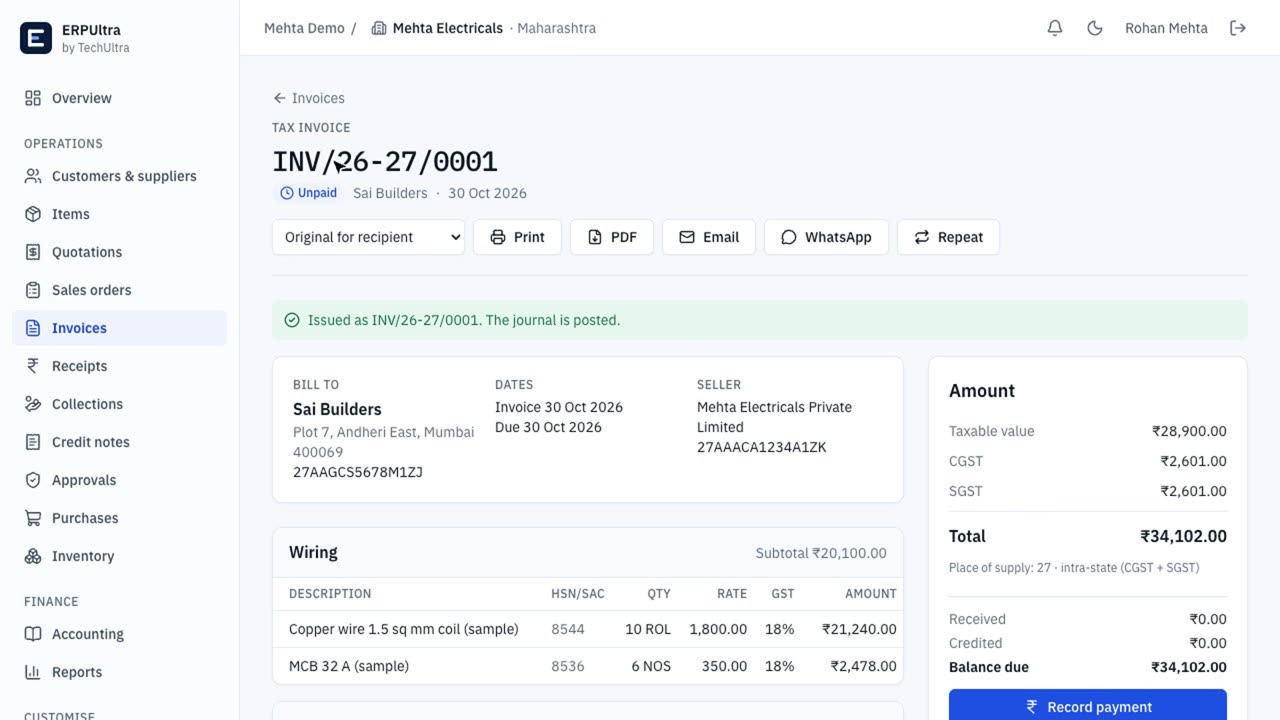 3:59
From a new workspace to your first GST invoice in four minutes: company and GSTIN, business type, a customer, opening stock, a grouped invoice and the payment.
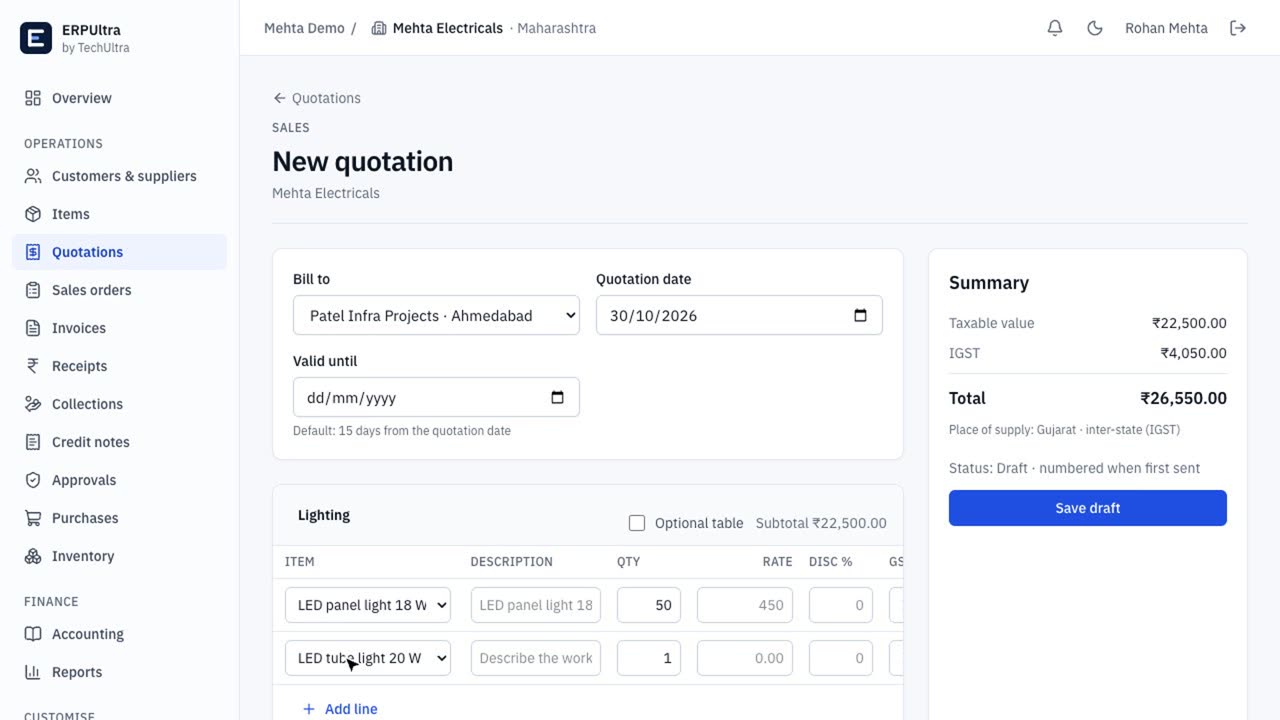 1:55
Make a grouped quotation, send it for acceptance, convert it to a sales order and then a GST tax invoice.
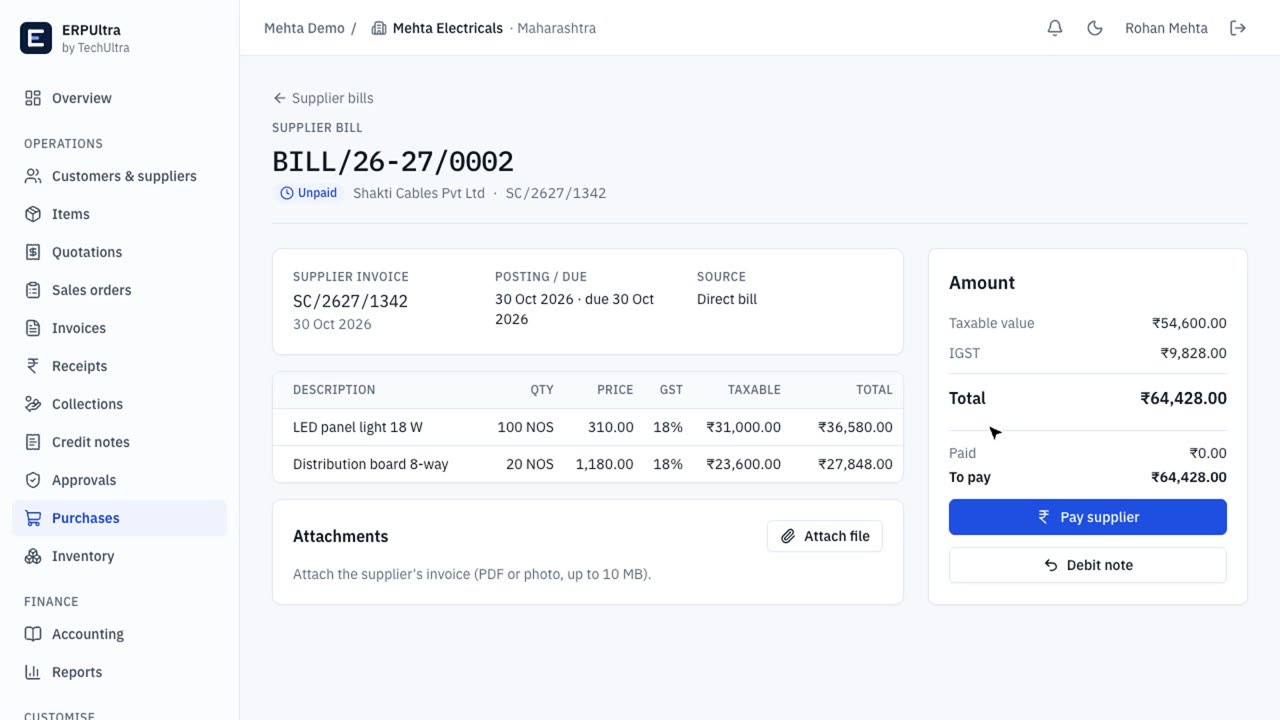 1:43
Enter and post a supplier bill with input tax credit, pay the supplier, and follow the stock and its history.
Create your workspace, set up your company and GSTIN, bring in your customers and items, and invite your team.
All 9 guides →Quotations, sales orders, GST invoices, customer payments, credit notes, statements and reminders.
All 10 guides →How ERPUltra calculates GST, HSN/SAC codes, registrations and numbering, GSTR-1 and GSTR-3B exports, and what is not supported yet.
All 9 guides →Warehouses and bins, stock transfers, stock counts and how stock is valued.
Purchase orders, goods receipts, supplier bills and input tax, debit notes and supplier payments.
Chart of accounts, journals, bank reconciliation, period close, financial statements and the Tally export.
All 6 guides →Financial, sales, GST and stock reports, Excel/PDF/CSV exports, saved views, Kanban boards and the customer map.
Prepaid WhatsApp credit, sending invoices and quotations on WhatsApp, customer consent and replies.
Your subscription, printed document details, custom fields and layouts, support access and the audit log.
All 6 guides →The ERPUltra Android app, now in pilot.
Signed-in users can raise a ticket from Help inside the app. Or write to us at contact@techultra.in, Monday to Saturday, 10:00–19:00 IST.